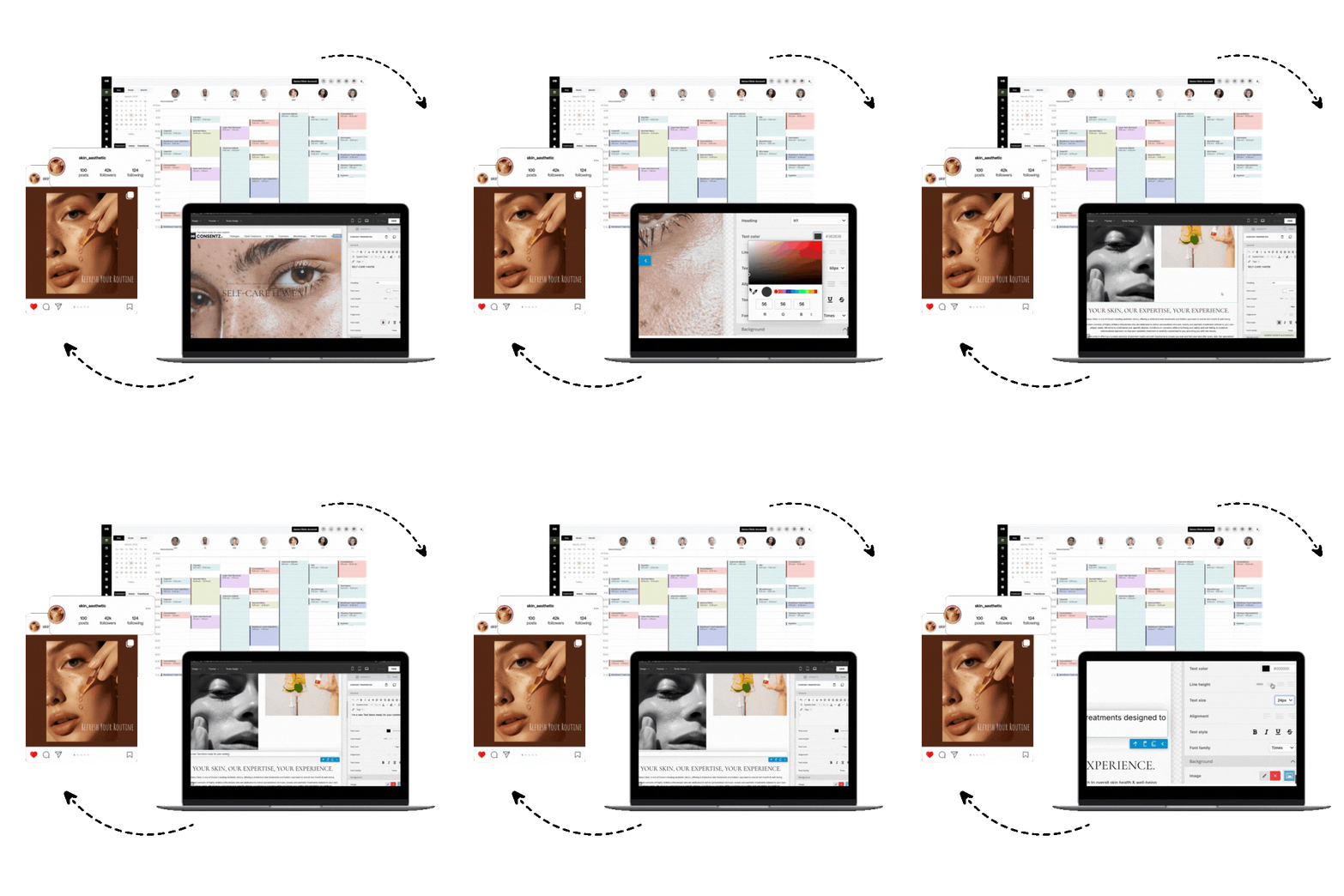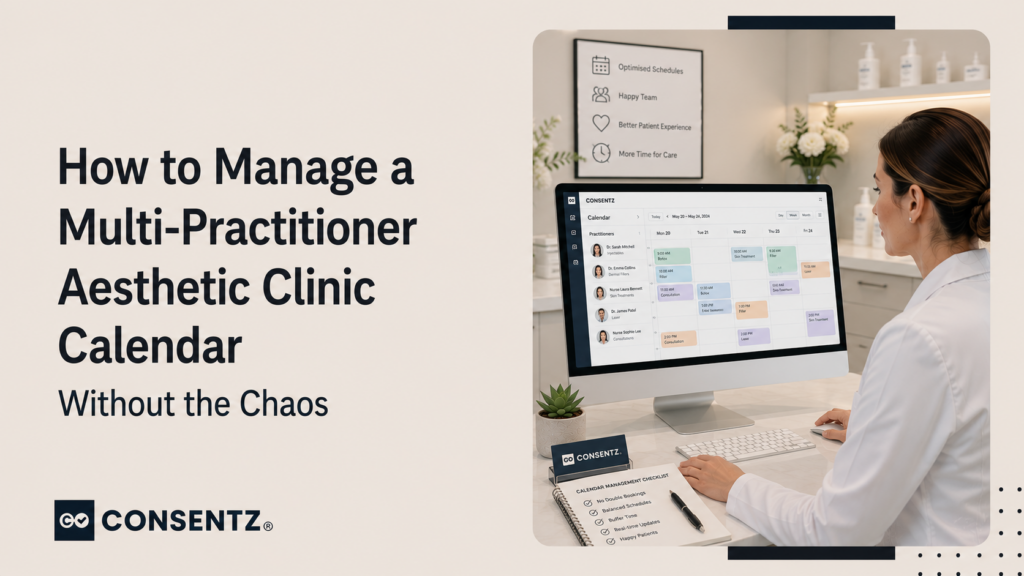
Two injectors, a laser technician, three treatment rooms, and a reception desk that is managing bookings for all of them simultaneously. It sounds straightforward until a patient books the laser room at 2pm and the aesthetician assumed it was free for their filler patient who is already on their way.
Calendar management in a multi-practitioner aesthetic clinic is one of the most common sources of operational stress — and one of the areas where the wrong system creates more problems than having no system at all. Shared spreadsheets, individual paper diaries, and multiple separate booking tools all break down in the same way: no single source of truth.
This guide covers how to set up a clinic calendar that handles multiple practitioners without double-bookings, confusion, or a receptionist having to make twelve phone calls a day to coordinate the diary.
Why shared calendars break down in multi-practitioner clinics
The problems in multi-practitioner calendar management cluster around three failure points:
- No single source of truth: practitioner A has their appointments in a personal calendar, practitioner B in a different one, and reception is trying to cross-reference both to avoid conflicts. When anything changes, the risk of a mismatch grows with every update.
- Room management is separate from practitioner management: most basic booking tools manage practitioner availability but not room availability. Two practitioners can both book 2pm appointments without the system flagging that they share the same treatment room.
- Access control is all-or-nothing: staff either see the whole diary (which creates patient confidentiality issues if the wrong person can see clinical notes linked to appointments) or none of it. Neither works at scale.
Room-based versus practitioner-based booking — and why you need both
Aesthetic clinics need to manage two types of resource simultaneously: practitioners (each of whom has their own availability, skills, and patient relationships) and rooms (physical spaces that can only be used by one person at a time).
A booking system that only manages practitioner availability cannot prevent two practitioners from booking into the same room at the same time. A system that only manages room availability cannot prevent a practitioner from double-booking their own time.
Consentz manages both simultaneously. You assign rooms to practitioners and treatment types, so when a booking is placed it checks practitioner availability and room availability before confirming. A conflict on either side prevents the booking until it is resolved.
Bookings, consent forms, patient records, payments, marketing — Consentz is the aesthetic clinic software that puts it all in one place so you can focus on your patients, not paperwork.
Setting up a multi-practitioner calendar that works
Role-based calendar access — who sees what
Not everyone in your clinic needs to see everything. A sensible access structure for most multi-practitioner aesthetic clinics:
- Reception: sees all practitioners’ booking availability, can create and move appointments, cannot access clinical notes or photos
- Practitioners: see their own full diary including clinical notes linked to each appointment; can view other practitioners’ availability (for cross-referrals) but not their clinical detail
- Clinic manager/owner: full access across all diaries, clinical records, reporting, and financial data
Consentz uses role-based permissions — you set what each login can see and edit, so reception never accidentally opens a patient’s treatment notes, and practitioners do not see each other’s patient clinical information unless you choose to allow it.
Variable hours and part-time practitioners
Most multi-practitioner aesthetic clinics have practitioners with different schedules — some full-time, some one or two days a week, some on-call for specific treatments. Your booking system needs to reflect each practitioner’s actual availability, not a generic clinic schedule.
Set each practitioner’s working hours individually, with the ability to block personal commitments that prevent bookings. Practitioners who sync a personal calendar (Google or Apple) can block unavailability automatically without involving reception.
Buffer time between appointments
In an aesthetic clinic, appointments rarely run exactly to time. A 30-minute Botox appointment sometimes overruns if the patient has questions, if a complication needs to be handled, or if a new patient takes longer to consent and assess than expected. Without buffer time built into the calendar, a 15-minute overrun cascades into the rest of the day.
Build a 5–10 minute buffer after certain appointment types. This is configurable per treatment in Consentz — so a 20-minute Botox appointment can have a 10-minute buffer automatically added, preventing the next booking from landing immediately after.
One central view, but individual logins
The clinic owner or manager should be able to see the whole day across all practitioners at a glance — who is booked, who has gaps, which rooms are occupied. Individual practitioners log in to their own view: their appointments, their patients, their day.
This central visibility is also what makes reporting meaningful. When all appointments are in one system, you can see which practitioner generates the most revenue, which treatment types fill fastest, and where you have recurring gaps that need addressing.
Online booking across multiple practitioners
When patients can book online, the multi-practitioner setup extends to patient-facing booking as well. Patients should be able to see which practitioners are available for their chosen treatment and book with their preferred practitioner — but only into slots that are genuinely available for both the practitioner and the room.
Getting this right matters for patient experience. A patient who books online expecting Practitioner A and arrives to find they have been assigned to Practitioner B because the system double-booked is a patient who is unlikely to rebook — and likely to leave a review that describes the confusion.
Frequently asked questions
1. How do I prevent practitioners from double-booking the same room?
Your booking system needs to manage room inventory separately from practitioner availability, and check both at the point of booking. In Consentz, rooms are assigned to appointments and the system prevents two bookings from landing in the same room at the same time — regardless of which practitioner is placing the booking. Reception, online booking, and practitioner-placed bookings all run through the same room-check.
2. Can different staff see different parts of the calendar?
Yes. Consentz uses role-based access permissions that you configure per login. Reception can see booking availability across all practitioners without accessing clinical notes. Practitioners see their own diary in full detail. The clinic owner sees everything. You decide what each role can view and edit, which prevents accidental access to patient-sensitive clinical information by staff who do not need it.
3. How do I handle practitioners with variable hours?
Set each practitioner’s working hours individually in the system — including days off, half-days, and specific time blocks when they are unavailable. Practitioners can also sync a personal Google or Apple Calendar so that personal commitments automatically block their booking availability without requiring them to contact reception. The diary reflects their actual availability at all times.
4. Can patients see individual practitioner availability when booking online?
Yes — and this is strongly recommended if you have practitioners whose patients have a strong preference for them. Consentz allows patients to select a practitioner preference in the online booking flow, and only shows that practitioner’s genuine availability. This drives rebooking rates because patients with a preferred practitioner are significantly more likely to return to the same person.
5. What is the best way to manage a clinic with three or more injectors?
The non-negotiables for a three-plus practitioner clinic: a single booking system that all practitioners and reception use simultaneously, room-level scheduling to prevent physical conflicts, role-based access so each login sees only what is relevant, and one reporting dashboard so the owner can see performance across all practitioners at a glance. Anything that requires cross-referencing two or more separate systems is going to create errors and admin overhead at this scale.