Every clinic software platform claims to do everything. CQC compliance, HIPAA compliance, online booking, consent management, stock tracking, marketing, reporting, integrations — the marketing page for almost every platform ticks every box. Which means the marketing page is not where you make this decision.
Choosing the wrong system costs more than the monthly subscription. It costs the hours spent migrating data when you outgrow it, the compliance gaps that emerge when you discover it cannot actually do what you needed, and the staff frustration that comes from a tool that was never designed for the way aesthetic clinics actually work.
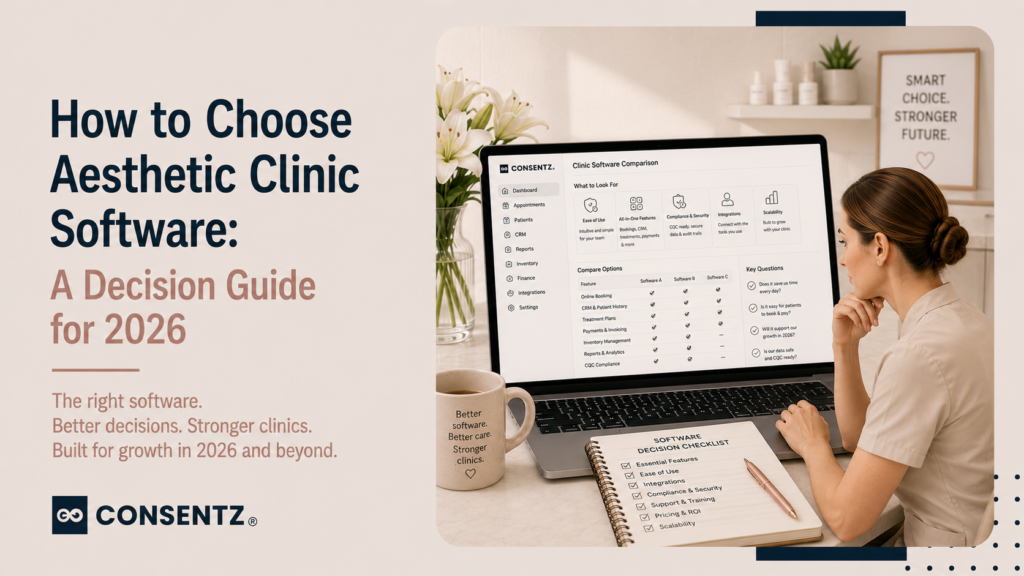
This guide cuts through the claims with seven questions to answer before you pick any system — and a feature checklist for three common clinic types to use as a starting point.
Question 1: Is it built for aesthetic clinics specifically, or adapted from something else?
The majority of booking and practice management platforms started as either salon software, general healthcare software, or generic scheduling tools, and added aesthetic clinic features over time. The distinction matters because the underlying data model of a system shapes what it can and cannot do.
A system built for salons does not have a concept of prescription-only medicines, injectable batch tracking, or CQC compliance documentation. Those features can be bolted on, but they are typically more limited and less integrated than in a system built for aesthetics from the start.
Ask directly: was this system built for aesthetic clinics, or was it adapted from another industry? If adapted — which specific features were added for aesthetics, and how recently?
Question 2: Does it handle compliance without requiring a separate system?
UK aesthetic clinics need CQC-compliant consent documentation, cooling-off period enforcement, version-controlled policies, and medicines management records. US aesthetic clinics and medspas need HIPAA-compliant patient records with encrypted storage, role-based access, and a BAA from the software provider.
If the platform meets these requirements through a native built-in system, one subscription handles compliance. If it requires a separate consent tool, a separate records system, or a third-party add-on for HIPAA — you are managing integrations rather than a single platform, and every integration is a potential data gap.
Question 3: Does it manage the clinical layer, not just the booking layer?
Booking and clinical records are different things. A booking layer tells you who is coming in and when. A clinical layer records what happened when they arrived — treatment notes, before and after photographs linked to each appointment, the products used with batch numbers, and the prescribing decision if a POM was involved.
Many platforms market themselves as ‘clinic management’ systems but are essentially booking tools with a notes field. The test: can you trace a patient’s treatment record from the consent form through to the product batch used and the prescribing decision — all in one place, retrievable in under a minute?
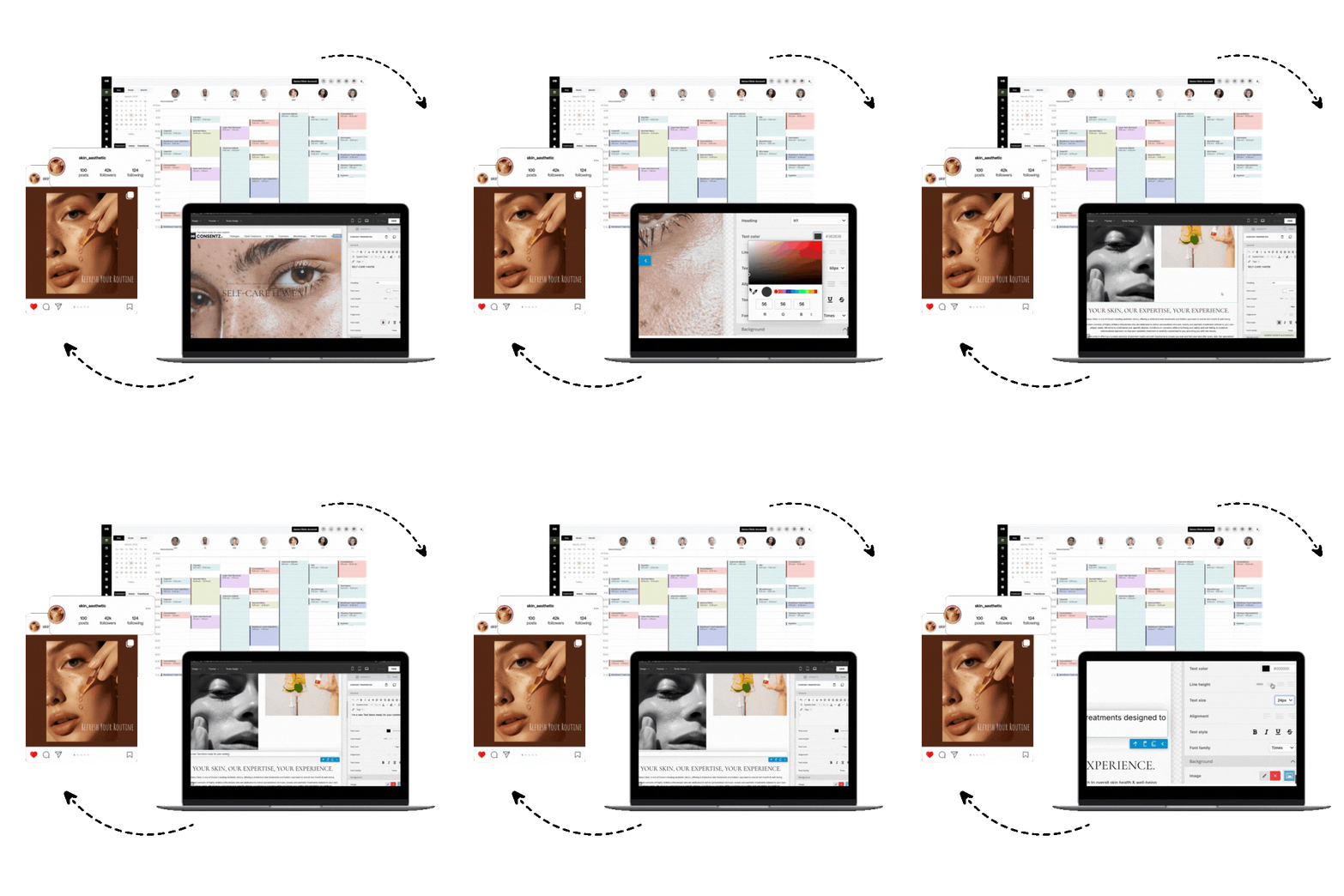
Bookings, consent forms, patient records, payments, marketing — Consentz is the aesthetic clinic software that puts it all in one place so you can focus on your patients, not paperwork.
Question 4: Does it grow with you — or will you need to change systems in 18 months?
Many clinics choose a platform for where they are now, only to discover it cannot handle where they are going. Common growth scenarios that expose platform limitations:
- Adding a second practitioner: does the system support multi-practitioner calendar management with room allocation, or does it just show separate calendars?
- Adding online booking: does online booking with deposit collection come in the same system, or is it a separate tool?
- Adding marketing campaigns: is email and SMS marketing built in with patient segmentation, or would you need a separate platform?
- Adding a second location: can the system manage separate location reporting while keeping patient records unified?
Buy for 18 months time, not today. If a system cannot handle two practitioners today, it will not handle three in a year.
Question 5: What is the true total cost?
The monthly subscription price is rarely the total cost of a clinic management system. Add:
- Setup and onboarding fees (some platforms charge £200–£500+ for initial configuration)
- Per-user pricing — a system at £49/user/month is £196/month for a 4-person team
- Add-ons — consent management, stock tracking, and marketing tools are sometimes sold as separate modules
- Integration costs — connecting to your accounting software, payment processor, or calendar may require additional subscription fees or technical work
- Data migration — moving patient records from an old system varies from straightforward to complex depending on what format your current records are in
Question 6: Can you get support when something goes wrong mid-clinic?
A system that goes down, produces a billing error, or loses a consent form at 2pm on a Tuesday needs to be resolvable before the 3pm appointment. Check: what are the support hours, what is the average response time, and is there a phone number or only a ticket system?
Question 7: Does it do all of this in one platform, or across multiple tools?
The hidden cost of using multiple tools — one for booking, one for consent, one for records, one for marketing, one for stock — is not just the combined subscription cost. It is the data silos: patient information spread across systems that do not talk to each other, requiring manual re-entry, creating version conflicts, and making it impossible to see a complete patient picture in one place.
An all-in-one clinic management platform costs more per month than any single-purpose tool but less than the combination — and produces a level of data integration that separate tools cannot replicate. For the question of when to migrate off separate tools to a unified platform, the related guide on why general booking tools are not enough for aesthetic clinics addresses this directly.
Feature checklist by clinic type
Solo aesthetic nurse or solo practitioner
- Treatment-specific digital consent with e-signature and audit trail
- Online booking with deposit collection at point of booking
- Automated appointment reminders (SMS and email)
- Patient records with before/after photo storage
- Injectable batch tracking and expiry alerts
- Automated review requests post-appointment
For the full solo practitioner software picture, clinic management software for aesthetic nurses covers what solo nurses specifically need.
Multi-practitioner aesthetic clinic
Everything above, plus:
- Multi-practitioner calendar with room allocation and double-booking prevention
- Role-based access (reception vs practitioner vs owner)
- Email and SMS marketing with patient segmentation
- Monthly reporting across all practitioners
- Patient pipeline / prospect management
US medspa
Everything in multi-practitioner, plus:
- HIPAA compliance with BAA available from the software provider
- HIPAA-compliant clinical photography storage
- Membership and pre-paid course management
- Xero or QuickBooks integration for accounting
For the full US medspa software picture, medspa management software features covers what growing medspas specifically need.
Questions to ask during a demo
- Show me how a treatment-specific consent form is triggered, sent, and stored — all within the same system
- Show me how to trace a patient from their consent form to the batch number of the product used on them
- Can you demonstrate online booking with deposit collection, without redirecting patients to a third-party site?
- How does the system handle two practitioners trying to book the same room simultaneously?
- Show me what a monthly revenue report looks like — broken down by treatment and by practitioner
- What happens to my patient data if I want to leave?
Frequently asked questions
1. What features should I actually prioritise when choosing clinic software?
Start with compliance and records: treatment-specific digital consent with an audit trail, encrypted patient records, and injectable batch tracking. These are non-negotiable for CQC (UK) and HIPAA (US), and the platforms that do them properly are almost always the ones designed specifically for clinical settings. Then look at booking (online booking with deposit collection, automated reminders), then marketing (email/SMS with segmentation, recall campaigns), then reporting. This priority order prevents the common mistake of choosing a system with beautiful marketing features but compliance gaps.
2. How do I know if I’m outgrowing my current booking system?
Signs you have outgrown your current system: you are manually chasing consent forms that should be automated, you are using a separate spreadsheet to track stock, you cannot see which treatments generate the most revenue, you have had a near-miss with a double-booking, or you have received a complaint and realised you cannot quickly pull the full patient record together. Any of these means the system is creating friction rather than removing it — which is the primary signal that a migration is overdue.
3. Is it worth paying more for an all-in-one system vs individual tools?
In almost all cases, yes. The monthly price difference between a purpose-built all-in-one platform and the combination of separate booking, consent, records, and marketing tools is typically smaller than it looks — because each individual tool adds cost. More importantly, separate tools create data silos: patient information in four places that do not automatically update each other, requiring manual re-entry and creating the risk of version conflicts in clinical records. An all-in-one system eliminates these silos entirely.
4. How long does it take to migrate from one system to another?
Most aesthetic clinic migrations take two to four weeks from decision to confident operation on the new system. The variable is data migration: if your current system can export patient records in a standard format, import into the new system is straightforward. If records are in paper or in a format that requires manual transfer, allow more time. During the migration period, running both systems in parallel — new bookings in the new system, existing patient records still accessible in the old one — reduces disruption significantly.
5. What questions should I ask during a software demo?
Ask to see, not to hear. Anyone can tell you a system handles consent management — ask them to show you the full journey from booking to signed consent to stored record in under five minutes. Ask to see how the system prevents two practitioners from double-booking the same room. Ask to see what a monthly report looks like for a multi-practitioner clinic. Ask what happens to your data if you want to leave, and whether you can export a full patient record in a format you can read without their software. The demos that cannot answer these questions by showing you the feature live are telling you something important.