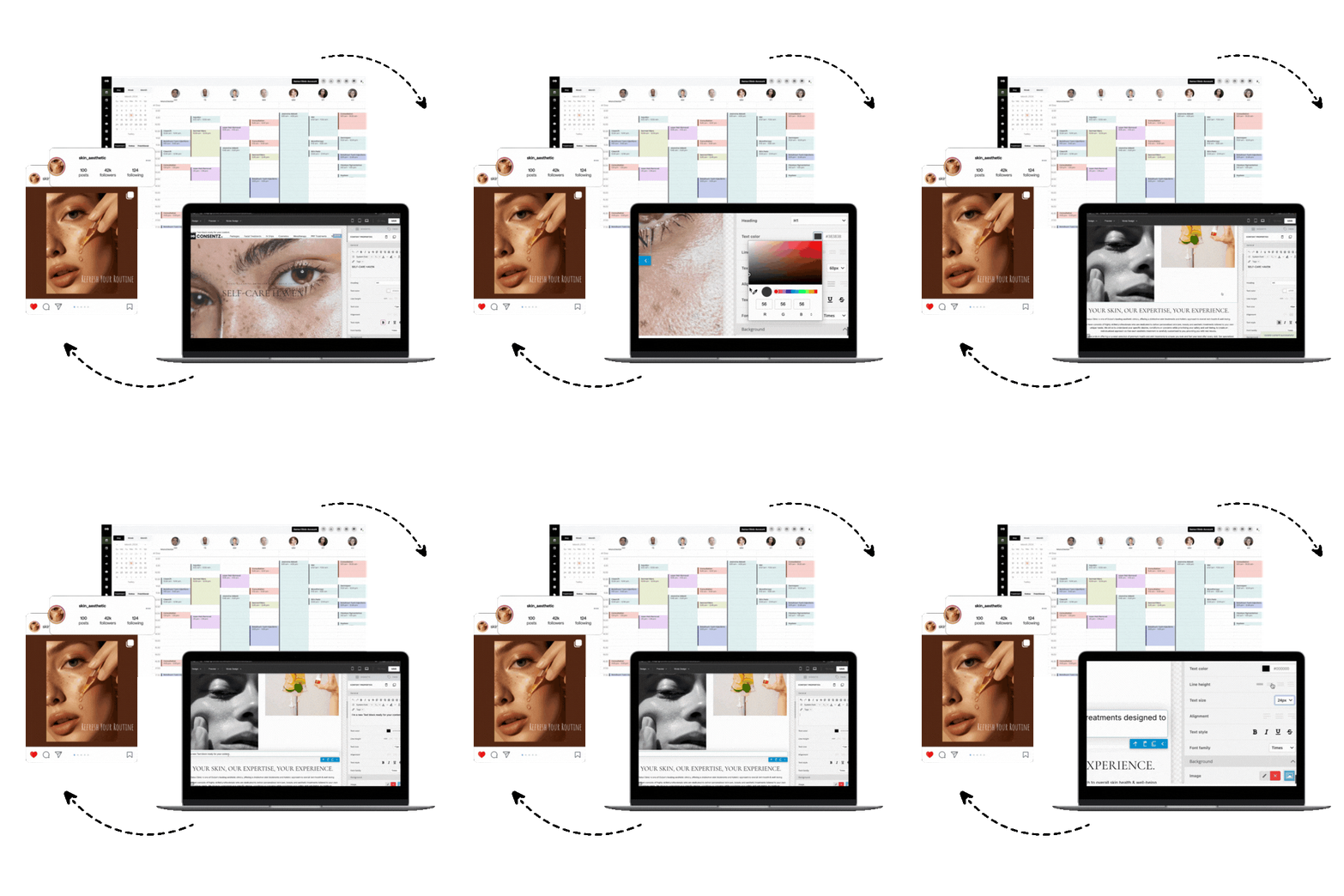
Clinic scheduling software is the digital command center for a modern medical aesthetics practice. It replaces outdated paper diaries and disconnected spreadsheets with a single, streamlined system for managing appointments, staff, and patient communications. For clinics aiming to reduce administrative overhead and improve the patient experience, implementing the right clinic scheduling software is no longer a luxury, it’s a foundational business decision.
How Implementing Clinic Scheduling Software Benefits Your Practice
Switching from manual methods to a dedicated software solution immediately addresses several critical pain points for aesthetics clinics. The core benefit is a dramatic reduction in no shows and last minute cancellations. By automating SMS and email reminders, you ensure patients are notified of their upcoming appointments, freeing up your front desk staff for more valuable tasks. If you’re mapping the workflow end to end, here’s how clinic appointment management systems structure the process.
Beyond the diary, this software creates a secure, centralized hub for all patient information. This move to paperless workflows (see EMR vs paper medical records) is not just about efficiency, it also strengthens medico legal protection. A robust system provides a clear audit trail for every appointment, consent form, and patient interaction. You also gain invaluable visibility into your business performance with real time KPIs, allowing you to track patient retention, average spend, and other key growth metrics without building complex spreadsheets.
Core Features to Look For in Clinic Scheduling Software
When evaluating options, focus on solutions built specifically for the demands of a medical aesthetics environment. Look for these essential features:
Intelligent Calendar Management: The system should allow for easy drag and drop changes, management of multiple clinicians and rooms, and various schedule view options (daily, weekly, monthly). An automated waitlist to fill cancellations quickly is also a key feature.
Automated Patient Communications: Customizable SMS and email reminders for appointments, follow ups, and review requests are crucial for reducing no shows and engaging patients.
Flexible Booking and Scheduling Rules: Top systems support recurring appointments for treatment courses and group scheduling for events. Look for customizable booking rules that let you set specific buffers, restrict services to certain practitioners, or use intelligent patient routing logic to assign new clients to the right team member automatically.
Branded Patient Booking Page: Your software should offer a professional, branded booking page that integrates with your website. This creates a seamless and trustworthy experience for patients from their first interaction with your clinic.
Integrated Patient Records: The scheduler should be part of a larger system that includes clinical notes, consent management, and robust before and after photography tools. If you’re comparing terminology, here’s the EHR vs EMR difference.
Billing and POS: The ability to handle payments, sell treatment courses or bundles, and track prepaid services directly from the appointment screen is a major time saver. For a deeper dive, see our clinic billing software guide.
Reporting and Analytics: Your software should provide an easy to understand dashboard with key performance indicators, comparing current results to prior periods to help you make data driven decisions.
Multilingual Support: For clinics serving diverse communities, multilingual support for the patient booking portal and communications is a significant advantage, improving accessibility and the patient experience.
Platforms like Consentz are designed as an all in one solution, integrating these core scheduling features with everything else you need to run your clinic. For broader options, check our roundup of aesthetic clinic management software.
Modern vs. Traditional Approaches (and Where AI Fits)
The traditional approach to scheduling involved a physical appointment book and a telephone. This method is prone to human error, creates information silos, and offers zero patient engagement capabilities. While basic digital calendars were an improvement, they still lack the integrations needed to run a modern clinic efficiently.
Modern clinic scheduling software is a completely different tool. It is cloud based, allowing you and your staff to access the diary from anywhere. More importantly, it acts as the central hub connecting appointments to medical records, billing, inventory, and marketing. Top tier systems are now incorporating AI into their marketing modules. This allows clinics to build automated lead nurturing campaigns that follow up with inquiries from sources like Facebook or Google, turning potential interest into confirmed bookings without manual intervention. For proven tactics, explore aesthetic clinic marketing strategies.
How to Choose: A Simple Decision Framework
Selecting the right clinic scheduling software doesn’t have to be complicated. Ask yourself three simple questions to find the best fit for your aesthetics practice:
Is it built for aesthetics? A generic scheduler won’t understand the need for detailed consent forms, batch tracking for toxins, or advanced photo management with ghosting features for perfect before and afters. Always choose a niche specific solution.
Does it fit your clinical workflow? For a hands on aesthetics practice, an iPad first system is ideal. It allows for seamless chairside charting, photo capture, and consent signing with the patient. A platform with a dedicated iPad app demonstrates a deep understanding of the clinical environment.
Will it support your growth? Look for a system with built in CRM and marketing automation. Choosing a unified platform like Consentz prevents you from having to bolt on separate, costly marketing tools as your clinic expands.
Implementation Tips and Adoption Challenges
A smooth transition to new software is critical for team morale and business continuity. The biggest challenge is often staff adoption. To overcome this, prioritize a system that is intuitive and backed by strong support.
Before committing, take advantage of free trials to ensure the software’s workflow feels right for your team. Look for a provider that offers comprehensive training resources, such as a built in academy with tutorials and guides. Based on industry reviews, clinics that have long term success with their software frequently cite excellent customer support as a key reason for their satisfaction. A responsive and helpful support team, ideally offering 24/7 customer support, can make all the difference during the implementation phase and beyond.
Top 10 Clinic Scheduling Software
After exploring the key features to look for, it’s time to reveal our top picks for clinic scheduling software. The following ten platforms stand out for their comprehensive features, ease of use, and positive user feedback. We’ve curated this list to represent a range of solutions suitable for different practice sizes and specialties, ensuring there’s an option for every type of clinic.
1. Consentz
Built for medical aesthetics, Consentz brings an iPad first, photo centric workflow that scales from solo practitioners to multi location clinics. Scheduling is resource aware, balancing clinicians, rooms, and devices while automated reminders and a live waitlist squeeze downtime out of your calendar.
Standout: Multi resource scheduling that keeps treatment rooms and devices fully utilized.
Scheduling power moves
24/7 self booking via shareable links embedded on websites or social profiles
Automated SMS/email reminders plus a centralized waitlist to fill late cancellations
Drag and drop, multi resource calendars (clinicians, rooms, equipment) with availability rules
Integrated intake, e signature consents, and before/after photo management
Appointment and billing analytics to track utilization and revenue
Clinician iPad app for chairside workflows plus a web based Control Centre
Clinic fit: pros and watchouts
Pros: iPad first, photo rich charts; robust multi resource scheduling; built in marketing tools.
Cons: Clinician app is iPad only; limited public information on third party integrations.
Pricing & compliance snapshot
Starts at $15/user/month; includes payments/marketing; confirm HIPAA/BAA availability for U.S. clinics.
2. AdvancedMD
AdvancedMD unifies EHR, practice management, and scheduling, making it a strong fit for multi provider medical and aesthetics groups. Its calendar ties tightly to billing and charting, so online self booking and reminders feed cleanly into revenue and documentation.
Standout: Deeply integrated scheduling that links access, charting, and payments.
Scheduling power moves
Patient portal with online self scheduling for new and existing patients
Automated text/email/voice reminders with confirmations
One click waitlist and auto fill for canceled slots
Multi provider, location, room, and resource scheduling with buffers
No show/late cancellation fees and card capture
Digital intake/consents and kiosk mode
Mobile apps for schedule and chart access on the go
Clinic fit: pros and watchouts
Pros: Converts more web traffic with self booking; supports complex medspa workflows; specialty templates.
Cons: Requires thoughtful configuration; add ons can raise total cost.
Pricing & compliance snapshot
Quote based bundles; integrates payments and telehealth; HIPAA compliant with BAA.
3. SimplePractice
SimplePractice delivers polished, low friction scheduling that shines for solo and group clinics. Clients book via portal or widget, and integrated Telehealth turns virtual consults into a single click extension of your calendar.
Standout: Turnkey self booking with HIPAA grade telehealth in one flow.
Scheduling power moves
Client self scheduling via portal, mobile app, and embeddable website widget
Automated email, text, and voice reminders with confirmations
Waitlist management to automatically backfill cancellations
Multi staff and multi location calendar filters
No show protection with card on file and cancellation fees
Paperless intake and consent via Client Portal
Mobile app for clinicians plus reporting and payment tools
Clinic fit: pros and watchouts
Pros: Out of the box self booking; excellent telehealth; HIPAA/HITRUST.
Cons: Fewer medspa specific workflows; limited third party integrations.
Pricing & compliance snapshot
Plans start at $49/month; Stripe payments integrated; HIPAA/HITRUST with BAA included.
4. Acuity Scheduling
Acuity is a nimble scheduling engine built for speed, payment capture, and automation. It’s a favorite of solo to midsize aesthetics clinics that want clean self booking, deposits, and memberships, with an optional HIPAA tier for clinical use.
Standout: Fast, flexible self booking with built in payments and deposits.
Scheduling power moves
Self booking via links, website embeds, and Reserve with Google
Automated email/SMS reminders to cut no shows
Multi staff, room, and equipment scheduling with two way calendar sync
Enforce no show policies with deposits or cards on file
Custom intake forms and basic SOAP notes
iOS/Android admin apps for on the go management
Clinic fit: pros and watchouts
Pros: Quick to launch; HIPAA/BAA option; prevents double booking of resources.
Cons: No native waitlist; not a full EMR.
Pricing & compliance snapshot
From ~$20/month; integrates with major payments/marketing; HIPAA/BAA available on higher tiers.
5. PracticeSuite
PracticeSuite blends EHR and practice management with resource first scheduling. Multi location clinics can orchestrate providers, rooms, and devices, then layer on self service booking, reminders, and telehealth to tailor access.
Standout: Resource based scheduling that mirrors real clinical constraints.
Scheduling power moves
Provider/room/equipment scheduling with multi site views
Patient portal requests and optional 24/7 self booking via integrations
Automated email/SMS reminders and two way chat
Deposits and card on file collected from the scheduler
Digital intake, consent forms, and embedded telehealth
Real time insurance eligibility checks
Clinic fit: pros and watchouts
Pros: Excellent device/room coordination; integrated payments curb no shows.
Cons: True self booking may require add ons; pricing is quote based.
Pricing & compliance snapshot
Quote based; integrates payments and patient engagement/telehealth; HIPAA and SOC 2 compliant.
6. RXNT
RXNT ties scheduling directly to billing and documentation, making it a solid choice for multi provider practices. Contactless enrollment blends online booking, upfront payments, and digital intake to streamline first visits.
Standout: Contactless onboarding with deposits and forms at the point of booking.
Scheduling power moves
Self booking via portal or site embed with two way confirmations
Automated SMS/email/phone reminders to cut no shows
Multi location, multi provider, and resource calendars
Upfront deposit/co pay collection with real time eligibility checks
Automated intake and consent forms mapped to appointment types
Provider mobile apps and Google/ICS calendar sync
Clinic fit: pros and watchouts
Pros: Revenue capture at booking; strong room/device scheduling; robust portal.
Cons: Limited aesthetics marketing; no automated waitlist.
Pricing & compliance snapshot
Per provider pricing; payments and telehealth integrations; HIPAA with BAA and ONC certified EHR.
7. NextGen Healthcare
NextGen serves multi site groups and larger medspas that need coordinated, compliant workflows. Real time self scheduling, powered by Luma, pairs with enterprise grade resource management to match the right provider, room, and device in one pass.
Standout: Enterprise self scheduling plus multi resource orchestration.
Scheduling power moves
24/7 self booking via web or text, writing back to the appointment book
Automated reminders, smart waitlists, and rebooking tools
First available search across providers/rooms/equipment
Cards on file and pre payments via NextGen Pay/LumaPay
Mobile friendly intake and e consent
Integrated, HIPAA compliant telehealth (Virtual Visits)
Advanced analytics for no shows and capacity
Clinic fit: pros and watchouts
Pros: Powerful resource coordination; growth and payment tooling built in.
Cons: Steeper learning curve; key self service features can be add ons.
Pricing & compliance snapshot
Quote based with add ons; integrated payments; HIPAA compliant with BAA.
8. DrChrono
DrChrono is a mobile first EHR/PM that favors iPad workflows, a natural fit for aesthetics teams capturing photos and consents at the chair. Scheduling connects to online booking and telehealth, simplifying both in person and virtual consults.
Standout: Native iOS apps that bring charting and scheduling to the treatment room.
Scheduling power moves
Patient self booking via portal and embeddable website widget
Automated email/SMS/voice reminders
Multi provider, multi location, and exam room calendars
Integrated payments with card on file and no show fees
iPad check in, custom intake forms, and e consent capture
Built in telehealth for video visits
Provider facing iPad/iPhone EHR apps
Clinic fit: pros and watchouts
Pros: Easy website booking; strong no show prevention; excellent mobile photo documentation.
Cons: Provider app is iOS only; no dedicated waitlist tool.
Pricing & compliance snapshot
Quote based; integrates with Square and Zocdoc; HIPAA compliant with BAA.
9. Kareo
Rebranded under Tebra, Kareo unites EHR, scheduling, and patient engagement for independent clinics. It’s built for small to mid size aesthetics teams that want modern online booking, fewer no shows, and marketing reach.
Standout: Patient friendly self scheduling connected to EHR and payments.
Scheduling power moves
24/7 self booking via links/widgets with staff confirmations
Automated text/email/phone reminders plus waitlists
Multi staff, room, and equipment scheduling with conflict checks
Card on file for deposits and enforcing no show policies
Digital intake and e consents synced to the EHR
Mobile app for provider schedules and communications
Clinic fit: pros and watchouts
Pros: Integrated tools that reduce no shows; resource scheduling fits medspa needs.
Cons: Some bookings require confirmation; certain features live in separate modules.
Pricing & compliance snapshot
Per provider, modular pricing; integrates Google booking and telehealth; HIPAA compliant with BAA.
10. athenahealth
athenaOne brings enterprise grade scheduling, engagement, and telehealth to multi provider and hybrid clinics. Patients book themselves, while AI driven waitlists auto fill cancellations to keep rooms and providers fully utilized.
Standout: AI that actively backfills gaps to maximize capacity.
Scheduling power moves
Patient self booking via web portal and mobile app
AI driven waitlist that fills last minute cancellations
Automated outreach via email, SMS, and phone
Multi provider, multi location calendars with utilization views
Deposits, copays, and payment plans built in
Digital intake, e consent, and self check in tools
Native mobile apps for providers and patients
Clinic fit: pros and watchouts
Pros: Robust self service; AI keeps schedules full; network insights for growth.
Cons: Revenue based pricing can be costly for cash pay; learning curve.
Pricing & compliance snapshot
Quote based; broad partner marketplace integrations; HIPAA with BAA and HITRUST certified.
Conclusion: Adopt Modern Scheduling to Cut No Shows and Improve Satisfaction
Ultimately, the goal of any clinic management tool is to save time, reduce errors, and foster growth. Modern clinic scheduling software achieves all three. It automates repetitive administrative tasks, drastically cuts revenue loss from missed appointments, and provides the data needed to run your practice like a well oiled business. By freeing your team from paperwork and phone tag, you empower them to focus on what truly matters: delivering exceptional patient care and building lasting relationships.
Ready to see how an all in one system can revolutionize your aesthetics practice? Explore the features of a purpose built platform on the Consentz homepage.
FAQ
What is clinic scheduling software?
Clinic scheduling software is a digital tool that helps medical practices manage patient appointments, staff diaries, and room availability. In aesthetics, advanced platforms also integrate with clinical records, consent forms, billing, and marketing automation to provide an all in one practice management solution.
How much does clinic scheduling software cost?
Pricing is typically a monthly subscription based on the number of practitioners or features. While some basic schedulers may appear free, they often charge high fees for payment processing. Comprehensive systems for aesthetics can start around £79 per month, offering a much wider range of integrated features.
Can this software send patient appointment reminders?
Yes, this is a core feature. Modern clinic scheduling software uses automated SMS and email to send appointment confirmations, reminders, and follow up messages, which is proven to significantly reduce patient no shows.
Is clinic scheduling software secure?
Reputable clinic scheduling software providers use enterprise grade security measures. This includes hosting data on secure cloud platforms like AWS, encrypting all data in transit and at rest, and complying with standards like ISO 27001 to protect sensitive patient information.
Does this software integrate with other tools?
Many platforms integrate with essential business tools. Common integrations include payment processors like Stripe, accounting software like Xero, and communication platforms like Twilio to ensure seamless workflows.
Why is software designed for aesthetics better than a generic scheduler?
Aesthetics specific software includes critical features that generic schedulers lack, such as detailed digital consent forms, before and after photo management with alignment tools, and inventory management with batch tracking for products like botulinum toxin. This specialization makes it far more efficient for running a medical aesthetics clinic.