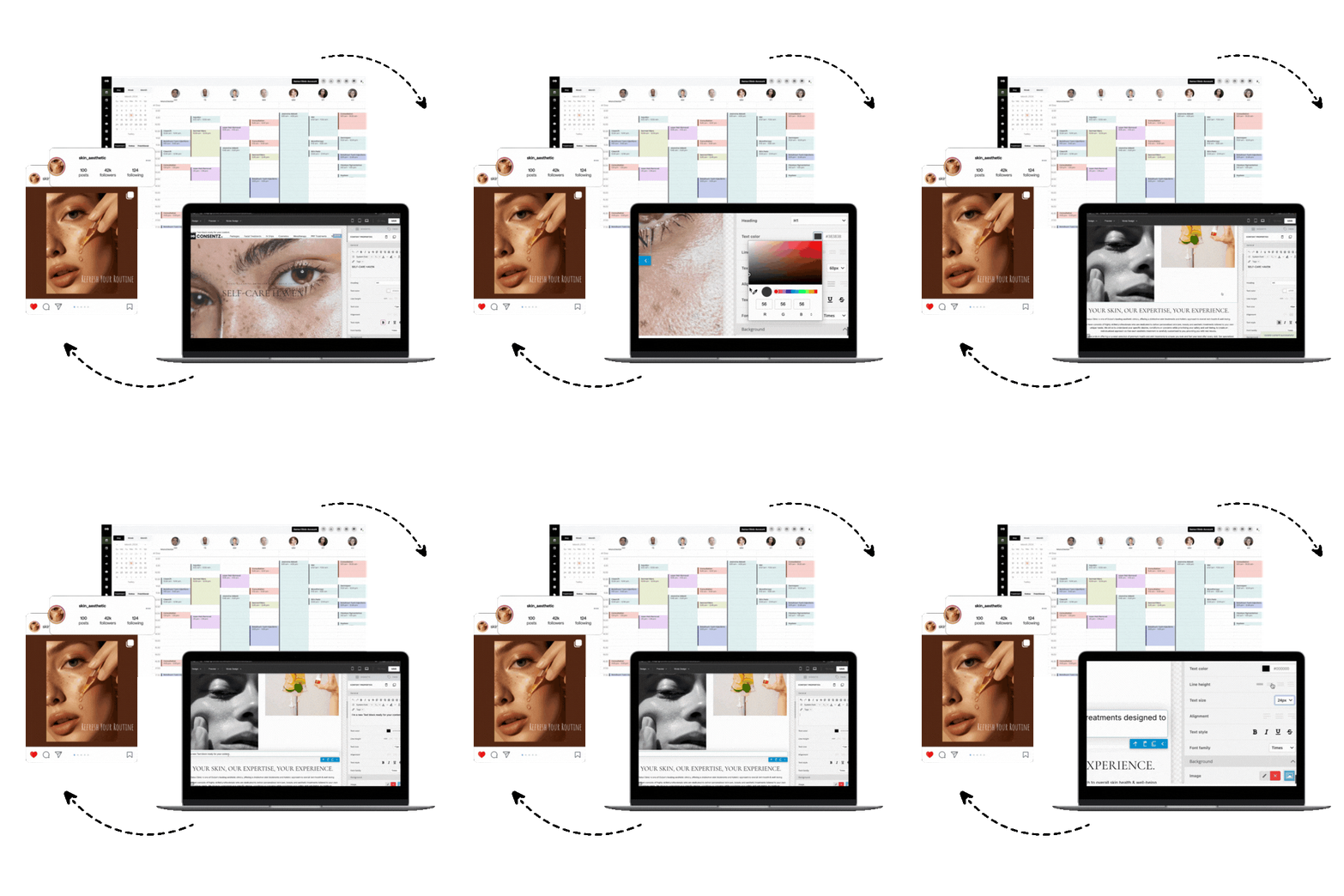
Practice management and EHR (Electronic Health Record) software are the two essential digital systems for a modern medical practice. In short, practice management software handles administrative front-office tasks like scheduling and billing, while an EHR system manages the clinical back-office work of patient charting and medical history. Understanding their distinct roles is the first step in transforming clinic chaos into streamlined, efficient operations. Running a demanding practice, especially in a field like aesthetics, involves a constant juggle of patient appointments, clinical notes, billing, and inventory, and these systems are designed to manage that administrative burden so you can focus on patient care.
This guide will walk you through everything you need to know about practice management and EHR software, from core features and benefits to choosing the right solution for your growth.
The Core Difference: Practice Management and EHR Explained
At a high level, the distinction is simple. An Electronic Health Record (EHR) is a clinical tool, while practice management software (PMS) is an administrative tool. Think of it as the separation between the treatment room and the front office.
An EHR is a digital version of a patient’s medical chart. It contains their complete health story, including medical history, diagnoses, medications, treatment plans, and lab results. If you’re still on paper, review our EMR vs. paper medical records comparison. Clinicians like doctors and nurses are the primary users, relying on the EHR to make informed decisions and document patient care. In the US, its adoption is nearly universal, with about 98% of physicians using EHR software.
Practice management software, on the other hand, handles the business side of the clinic. It streamlines day to day operational tasks like scheduling, billing, and insurance claims. Administrative staff, from front desk receptionists to office managers, use PMS to keep the practice running smoothly. While EHR adoption was spurred by government incentives through the HITECH Act, PMS adoption has been driven by the need for business efficiency.
Who Uses What?
- EHR Users: Primarily clinical staff such as doctors, nurses, and physician assistants. They live in the EHR to document patient encounters and manage clinical information.
- Practice Management Users: Primarily administrative staff like receptionists, billers, and office managers. They use the PMS for scheduling, financial tasks, and operational reporting.
How Is Their Data Different?
The data stored in each system reflects its core purpose. An EHR stores a patient’s long term clinical information, designed to be shared with other providers to ensure continuity of care. A PMS stores administrative and financial data that is transactional and specific to the practice’s operations, like appointment times and billing records. For a quick refresher, see the pros and cons of paper medical records.
The Engine of Your Clinic: A Deep Dive into Practice Management Software
The main purpose of practice management software is to automate and streamline the administrative side of your clinic. By digitizing tasks that were once manual and tedious, it frees up your staff to focus on patient experience and growth. The U.S. market for this software was valued at around $5.1 billion in 2022 and is expected to grow, highlighting its essential role in modern healthcare.
Key Features of Practice Management Software
A robust PMS offers a suite of tools to manage every aspect of your clinic’s operations. Let’s break down the most important features.
Patient Scheduling
This is more than just a digital calendar. A powerful scheduling module, supported by modern appointment management systems, helps you maximize productivity and reduce costly no shows. Modern schedulers include:
- Automated Appointment Reminders: Sending reminders via text or email can slash no show rates, with some reports citing reductions of up to 90%. This is critical when you consider each missed appointment costs a practice an average of $200 in lost revenue.
- Centralized Calendars: View schedules for multiple providers and rooms in one place, making it easy to spot and fill open slots.
- Online Self Scheduling: A feature patients increasingly demand. One survey found that 77% of patients want the ability to book or change their appointments online.
Patient Information Management
This feature provides a secure, centralized database for all non clinical patient data. Staff can quickly access a patient’s demographics, insurance details, appointment history, and billing records without digging through paper files. When integrated with an EHR, this creates a complete, 360 degree view of the patient.
Medical Billing and Payment
Automating the billing process is a game changer for a practice’s financial health. A PMS can automatically generate invoices and claims based on the services provided. This speeds up reimbursements and reduces the human error that leads to costly claim denials. The software can also integrate with payment processors, allowing you to collect co pays and balances at the point of care.
Insurance Verification
A huge number of claim denials (a recent survey found 46%) are caused by missing or incorrect insurance information. Integrated insurance verification tools allow your staff to check a patient’s eligibility and benefits in seconds, not minutes. Catching these issues upfront prevents denied claims and improves the patient experience by avoiding surprise bills.
Claims Management
This feature oversees the entire lifecycle of an insurance claim. The software allows for electronic submission and provides real time tracking, so your billing staff knows exactly when a claim is accepted, rejected, or denied. Quick alerts for rejected claims are crucial, as the average cost to rework a single denied claim is about $25 in staff time.
Revenue Cycle Management (RCM)
RCM is the complete financial process from the moment an appointment is booked until the final payment is collected. A good practice management system provides the tools to manage this entire cycle efficiently. By optimizing RCM, you shorten the time it takes to get paid and improve your practice’s overall financial stability.
Performance Reporting and a Financial Dashboard
You can’t improve what you don’t measure. Virtually 100% of practice management systems include reporting and analytics capabilities. These tools turn your practice’s data into actionable insights, often displayed on a user friendly financial dashboard. At a glance, you can track key metrics like patient volume, no show rates, and accounts receivable, allowing you to make data driven decisions to improve performance.
Customer Relationship Management (CRM)
In healthcare, this is often called patient relationship management. CRM tools help you manage interactions with patients to improve satisfaction and retention. This can include sending automated follow up messages, birthday wishes, or newsletters about new services. It’s a powerful way to build patient loyalty, which is far more cost effective than constantly acquiring new patients. For tactics specific to aesthetics, see our aesthetic clinic marketing guide.
The Power of One: Integrated Practice Management and EHR Systems
While EHR and practice management software can exist as separate systems, the real power comes when they are integrated into a single, unified platform. An integrated system allows clinical and administrative data to flow seamlessly between workflows, creating what many call “two sides of a unified workflow”.
The Benefits of an Integrated Platform
- Increased Efficiency: Integration eliminates the need for duplicate data entry. When a doctor enters a diagnosis in the EHR, the correct billing code can automatically populate in the PMS. This saves an incredible amount of time and drastically reduces the chance of manual errors.
- Improved Revenue Cycle: With clinical and billing information perfectly in sync, you can minimize coding mistakes and capture all charges accurately. This leads to cleaner claims, fewer denials, and faster payments.
- Enhanced Patient Experience: When your team has a complete view of a patient’s record (both clinical and administrative) in one place, they can handle inquiries and visits more smoothly and professionally.
- Better Workflow Integration: A truly integrated system connects every step of the patient journey. A checked in patient automatically appears in the clinician’s workflow, and the clinician’s completed note automatically triggers the billing process. This automation lets your staff focus on high value, patient facing tasks.
Solutions like Consentz are designed from the ground up as an all in one practice management and ehr platform specifically for medical aesthetics. This approach ensures every feature, from the iPad based clinical app to the back office control center, works together harmoniously.
Choosing the Right System for Your Practice
Selecting a practice management and EHR system is a major decision. Here are the key factors to consider to ensure you make the right choice.
Key Factors in Your Decision
- Practice Needs: Start by identifying your biggest pain points. Is it clinical documentation or administrative chaos? The top reason practices implement a new EHR (cited by 41% of them) is to support growth. Be clear about your goals.
- Features and Customization: Create a checklist of must have features for your specialty. For a structured evaluation, see our Medical Scheduling Software Buyer’s Guide. For an aesthetics clinic, this might include robust photo management with ghosting for before and afters, detailed inventory tracking for products like toxins, and built in marketing tools.
- Budget and Cost: Look at the total cost of ownership. On average, practices spend around $1,200 per user per year on EHR software, while practice management software averages closer to $2,800 per user annually. Factor in implementation, training, and support fees. Remember to weigh the cost against the potential return on investment. One study found that practices can recoup their EHR investment in about 2.5 years and then see net benefits of around $23,000 per provider annually.
- Reviews and Demos: Never buy software without seeing it in action. A live demo allows you to judge its usability and see how it handles your practice’s specific workflows. Involve your entire team in the process. The selection process can take time (an average of 12 weeks for an EHR), so use it wisely to compare vendors. A personalized demo can make all the difference in understanding if a system is the right fit.
- Training and Staff Adoption: The best software in the world is useless if your team won’t use it. Successful adoption hinges on excellent training. Research shows a direct link between the hours of training provided and user satisfaction. Plan for comprehensive, ongoing training to ensure your team feels confident and empowered.
Navigating Technical and Compliance Hurdles
Implementing a new practice management and ehr system involves more than just choosing features. You also need to navigate a complex landscape of compliance, security, and technical challenges.
HIPAA and HITECH Compliance
HIPAA (Health Insurance Portability and Accountability Act) and the HITECH Act are federal laws that mandate the protection of patient health information (PHI). Any software you use must have robust security features to ensure compliance, especially if you’re evaluating HIPAA-compliant medical spa software, including:
- Access Controls (unique user logins and role based permissions)
- Data Encryption (both in transit and at rest)
- Audit Trails (to track who accessed what information)
A reputable vendor will provide a Business Associate Agreement (BAA), contractually agreeing to protect your patients’ PHI according to HIPAA standards.
Security and PHI Protection
The need for strong security cannot be overstated. For context, here’s why your clinic’s records must be bulletproof. In 2023, the healthcare sector saw a record number of data breaches, exposing the records of over 133 million individuals. The consequences of a breach are devastating, including massive fines and a complete loss of patient trust. Look for solutions that are built on secure infrastructure, like Consentz, which leverages Amazon Web Services and holds ISO 27001:2013 accreditation for its information security management.
Patient Portals and Engagement
A patient portal is a secure online website or app that gives patients 24/7 access to their health information. They can view test results, request appointments, and message their provider. This tool is a cornerstone of modern patient engagement. It empowers patients to take a more active role in their care, which can lead to better outcomes and higher satisfaction. Pair it with SEO‑friendly medical website templates to make access and booking seamless.
Interoperability and Data Migration
- Interoperability is the ability of different software systems to exchange and use data. While improving, it remains a challenge in healthcare, which can lead to fragmented patient information.
- Data Migration is the process of moving your data from your old system to the new one. It is notoriously difficult, with one report suggesting 83% of data migration projects fail or exceed their budget. A good vendor will have an experienced team and a clear process to manage this critical step.
Frequently Asked Questions about Practice Management and EHR
What’s the main difference between practice management and EHR software?
EHR software is for clinical documentation (the patient’s medical chart), used primarily by clinicians. Practice management software handles administrative and financial tasks (scheduling, billing), used primarily by office staff.
Can I use practice management software without an EHR?
Yes, some practices, especially those that are not heavily focused on complex medical charting, may start with just a PMS to organize their business operations. However, for comprehensive patient care and streamlined workflows, an integrated practice management and ehr solution is ideal.
How much does a practice management and EHR system cost?
Costs vary widely based on the vendor, features, and number of users. Annually, you might expect to pay around $2,800 per user for a standalone PMS and closer to $6,000 or more per user for an EHR. Integrated systems often offer better value than buying two separate products.
What is the biggest benefit of an integrated system?
The biggest benefit is efficiency. By eliminating duplicate data entry, an integrated system saves time, reduces errors, improves communication between clinical and admin teams, and accelerates your revenue cycle.
Is an all in one solution better for a small clinic?
Often, yes. An all in one platform like Consentz provides a single source of truth and a simplified tech stack. This can be easier to manage and more cost effective for a small or growing clinic than trying to piece together and maintain multiple different systems.
How do I ensure my staff will use the new software?
Invest heavily in training and involve your staff in the selection process. When your team feels they have a say and are given the tools and time to learn properly, adoption rates soar. Designate “super users” who can help their peers and provide ongoing support.